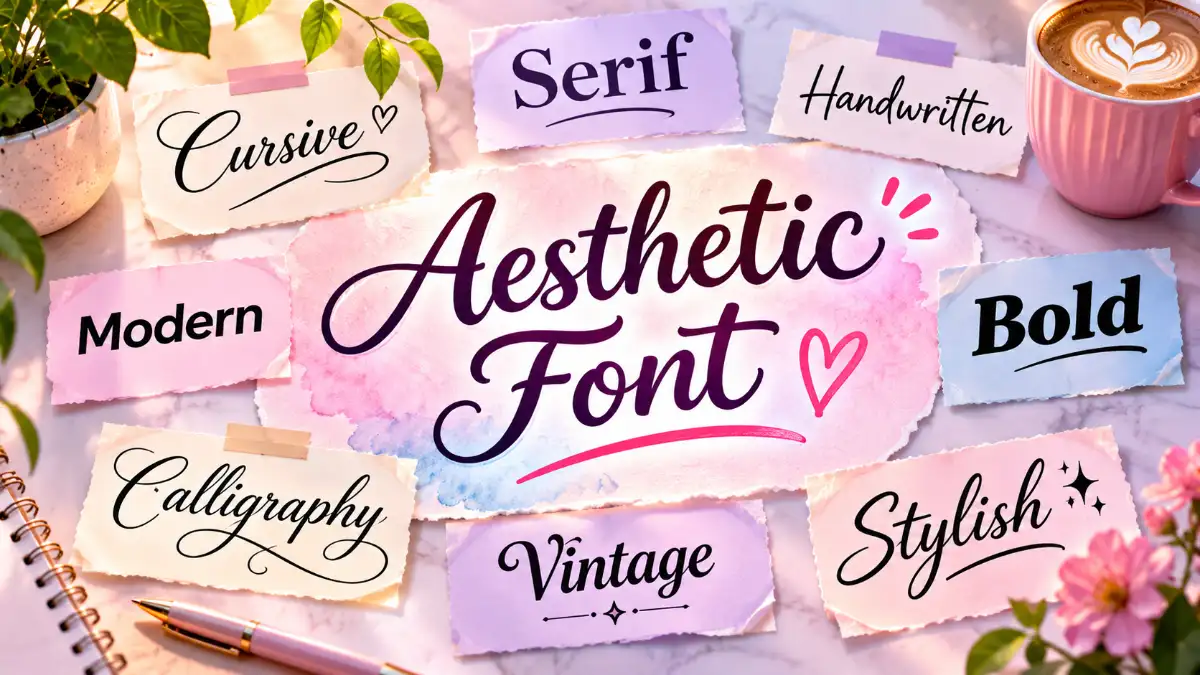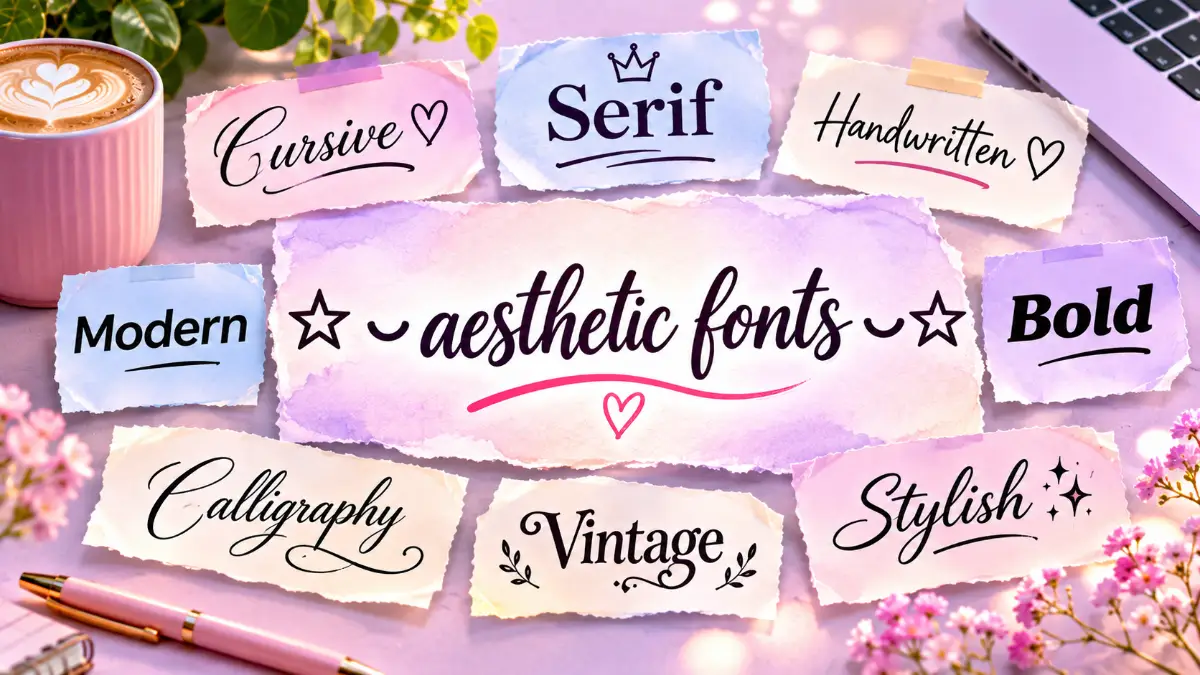
Looking for a creative way to make your Instagram bio, username, or messages stand out? ⍟ ⍨ aesthetic fonts ⍨⍟ are decorative text styles that let you transform ordinary letters, numbers, and symbols into something more expressive. From elegant cursive lettering and cute bubble text to bold gothic designs, these styles can help you personalize your digital presence without downloading traditional fonts.
Most copy-and-paste aesthetic text uses Unicode characters, which you can select, copy, and paste into compatible apps. Whether you want a minimalist profile, a dreamy username, or stylish numbers for a caption, this guide offers 25 ready-to-copy ideas, practical keyboard tips, and everything you need to create attractive text that matches your personality.
What Are ⍟ ⍨ aesthetic fonts ⍨⍟?
Aesthetic fonts are decorative lettering styles used to give digital text a particular visual mood. They might look elegant, playful, romantic, futuristic, vintage, or mysterious.
The symbols surrounding the phrase aesthetic fonts are themselves decorative characters. They help create a recognizable visual frame, much like adding stars, hearts, or sparkles around a username.
However, there is an important technical distinction. Most online aesthetic font generators do not change the actual font on your phone or computer. Instead, they replace ordinary characters with visually different Unicode characters or surround your text with decorative symbols.
For example:
- Normal text: Hello
- Cursive text: 𝓗𝓮𝓵𝓵𝓸
- Bold text: 𝐇𝐞𝐥𝐥𝐨
- Bubble text: Ⓗⓔⓛⓛⓞ
- Decorated text: ✧ Hello ✧
These examples may look like different typefaces, but the underlying characters can be different as well.
The Unicode Consortium’s explanation of mathematical character styles clarifies that many decorative-looking alphabets were originally encoded for mathematical notation rather than general text styling. Their appearance in social media bios is a popular creative use, not their original purpose.
25 Aesthetic Fonts and Text Styles to Copy and Paste
The easiest way to discover your favorite style is to compare a few examples. The following collection includes decorative lettering, symbols, and text combinations that you can copy directly or customize with your own words.
| Style | Copy-and-Paste Example | Best For |
| 1. Elegant Cursive | 𝒜𝑒𝓈𝓉𝒽𝑒𝓉𝒾𝒸 | Elegant bios |
| 2. Bold Script | 𝓐𝓮𝓼𝓽𝓱𝓮𝓽𝓲𝓬 | Creative profiles |
| 3. Bold Serif | 𝐀𝐞𝐬𝐭𝐡𝐞𝐭𝐢𝐜 | Short headings |
| 4. Italic | 𝘈𝘦𝘴𝘵𝘩𝘦𝘵𝘪𝘤 | Minimal captions |
| 5. Bubble Letters | Ⓐⓔⓢⓣⓗⓔⓣⓘⓒ | Playful names |
| 6. Gothic | 𝔄𝔢𝔰𝔱𝔥𝔢𝔱𝔦𝔠 | Dark aesthetics |
| 7. Bold Gothic | 𝕬𝖊𝖘𝖙𝖍𝖊𝖙𝖎𝖈 | Gaming profiles |
| 8. Double-Struck | 𝔸𝕖𝕤𝕥𝕙𝕖𝕥𝕚𝕔 | Distinctive text |
| 9. Wide Text | Aesthetic | Retro themes |
| 10. Monospace | 𝙰𝚎𝚜𝚝𝚑𝚎𝚝𝚒𝚌 | Tech-inspired bios |
| 11. Small Caps | ᴀᴇꜱᴛʜᴇᴛɪᴄ | Minimal profiles |
| 12. Superscript | ᵃᵉˢᵗʰᵉᵗⁱᶜ | Tiny decorative text |
| 13. Bold Sans Serif | 𝗔𝗲𝘀𝘁𝗵𝗲𝘁𝗶𝗰 | Modern profiles |
| 14. Sans Serif | 𝖠𝖾𝗌𝗍𝗁𝖾𝗍𝗂𝖼 | Clean designs |
| 15. Bold Italic | 𝑨𝒆𝒔𝒕𝒉𝒆𝒕𝒊𝒄 | Emphasized phrases |
| 16. Heart Frame | ♡ Aesthetic ♡ | Romantic bios |
| 17. Star Frame | ★ Aesthetic ★ | Creative names |
| 18. Sparkle Frame | ✧ Aesthetic ✧ | Dreamy captions |
| 19. Moon Theme | ☾ Aesthetic ☽ | Night-inspired profiles |
| 20. Floral Theme | ❀ Aesthetic ❀ | Nature-inspired names |
| 21. Cloud Theme | ☁ Aesthetic ☁ | Soft aesthetics |
| 22. Bow Theme | ୨୧ Aesthetic ୨୧ | Cute profiles |
| 23. Butterfly Theme | 🦋 Aesthetic 🦋 | Colorful bios |
| 24. Bracket Frame | 『Aesthetic』 | Gaming names |
| 25. Diamond Frame | ◇ Aesthetic ◇ | Minimal decoration |
Not every example will appear identically on every device. If a character shows up as an empty square or looks different after you paste it, try another style.
For everyday use, a short phrase with one decorative symbol on either side often looks cleaner than an entire paragraph written in unusual characters.
How to Use an Aesthetic Font Generator
An aesthetic text generator is an online tool that converts ordinary text into decorative character combinations. You generally do not need to install a font file or change your device settings.
Here is how to create your own stylish text:
- Open an aesthetic font generator in your browser.
- Enter your name, caption, or short phrase.
- Browse the available lettering styles.
- Choose the version that matches your preferred aesthetic.
- Copy the generated text.
- Paste it into your social media bio, message, or another compatible text field.
- Preview the result before saving or publishing.
You can also copy the examples in this article and replace the surrounding words with your own text.
For instance, the simple template ✧ Your Name ✧ can become ✧ Olivia ✧ without using a generator. This approach is especially useful if you want decorative text while keeping your actual name readable.
A generator may offer dozens of variations, but you do not need to use the most complicated one. Choose a style based on readability, compatibility, and the personality you want to express.
Keyboard Aesthetic: How to Type Stylish Text on Your Phone
If you frequently search for keyboard aesthetic options, you may want a keyboard that makes it easier to enter decorative symbols, emojis, and stylish text without repeatedly visiting a website.
There are two main approaches: using your existing keyboard with copied symbols or installing a third-party keyboard that offers additional customization.
Using Aesthetic Text on an iPhone
The simplest method is to copy decorative text from a browser or your Notes app and paste it into your desired application.
For symbols you use regularly, you can create a text replacement shortcut:
- Open Settings.
- Select General, then Keyboard.
- Open Text Replacement.
- Tap the plus button.
- Enter your decorative text in the Phrase field.
- Choose a short, memorable shortcut and save it.
For example, you could save the phrase ♡ good vibes ♡ and assign it a shortcut such as gvibes.
Apple provides additional guidance through its iPhone User Guide, including keyboard customization and text-entry features.
You can also install compatible third-party keyboards through the App Store. Check the developer’s privacy information and requested permissions before enabling additional access.
Using Aesthetic Text on Android
Android users can copy decorative lettering directly from a browser, use their keyboard’s symbol and emoji options, or install a compatible keyboard app.
If you use Gboard, you can access punctuation, emojis, and other available characters through its keyboard interface. You can also personalize its appearance, although changing the keyboard theme does not automatically change the lettering in your messages.
The official Gboard Help Center explains available keyboard features and settings.
For a consistent aesthetic, save your favorite symbols and username templates in a notes app. This gives you quick access without requiring a separate keyboard.
Nama Aesthetic: Creative Ideas for Stylish Usernames
The phrase nama aesthetic is commonly associated with stylish name ideas. In Indonesian, “nama” means “name,” so the phrase broadly refers to names with an attractive or distinctive aesthetic.
If you want to create a memorable username, start with a word that reflects your interests or personality. You can then add a decorative frame, a short descriptive word, or a subtle number combination.
Cute and Soft Aesthetic Names
Soft names work well for lifestyle accounts, personal profiles, journaling pages, and creative communities.
| Name Idea | Decorated Version |
| Luna | ♡ Luna ♡ |
| Daisy | ❀ Daisy ❀ |
| Rosie | ୨୧ Rosie ୨୧ |
| Willow | ✧ Willow ✧ |
| Honey | ☁ Honey ☁ |
Dark and Mysterious Name Ideas
If your style is inspired by nighttime photography, fantasy, gothic fashion, or gaming, consider names with darker imagery.
- ☾ Midnight Muse ☽
- 『Shadow Echo』
- ✦ Raven Moon ✦
- 𝔇𝔞𝔯𝔨 𝔏𝔲𝔫𝔞
- ◇ Silent Noir ◇
Minimal and Modern Name Ideas
Minimal names are often easier to read, remember, and share. Try combinations such as:
- studio.luna
- olive.notes
- modern.muse
- willow.jpg
- quiet.archive
These examples also demonstrate that an aesthetic username does not need unusual Unicode lettering. A thoughtful word combination can create a strong visual identity on its own.
Before choosing a name, check whether the platform allows your preferred characters. A display name may accept symbols that an account’s unique username or handle does not.
Aesthetic 123: Stylish Numbers and Digit Combinations
People searching for aesthetic 123 may be looking for decorative versions of numbers, stylish numeric sequences, or creative ways to combine digits with letters.
Numbers can add a personal touch to a username, caption, digital journal, or design. They can represent a favorite date, a memorable sequence, or simply a visual pattern.
Here are several versions of the same three digits:
| Number Style | Copy-and-Paste Example |
| Standard | 123 |
| Bold | 𝟏𝟐𝟑 |
| Double-Struck | 𝟙𝟚𝟛 |
| Monospace | 𝟷𝟸𝟹 |
| Fullwidth | 123 |
| Circled | ①②③ |
| Superscript | ¹²³ |
| Subscript | ₁₂₃ |
You can also combine ordinary numbers with decorative symbols:
- ✧ 123 ✧
- ♡ 11:11 ♡
- ☾ 07.07 ☽
- ୨୧ 222 ୨୧
- ★ 2026 ★
Some generators convert letters but leave digits unchanged because the chosen Unicode alphabet does not have matching decorative numbers. If that happens, select a separate number style or keep the original digits.
For usernames, avoid including sensitive information such as your full birth date, phone number, or account-related numbers. A favorite number or a fictional sequence is usually a better choice.
Where Can You Use Aesthetic Fonts?
Decorative text is especially popular in places where traditional font customization is limited. However, each application has its own rules about which characters it accepts.
| Platform | Common Uses | Important Consideration |
| Bios, display names, captions | Username restrictions differ from bio rules | |
| TikTok | Nicknames, bios, captions | Some characters may not be accepted |
| Discord | Display names, profiles, messages | Unique usernames have separate requirements |
| Messages, profile information | Appearance can vary by device | |
| Gaming Platforms | Display names and profiles | Games may restrict unusual symbols |
| Websites | Short decorative accents | Standard text is better for important content |
For Instagram, consider using a readable profile name followed by a short decorative phrase. On TikTok, a simple symbol or distinctive word combination can be more recognizable than heavily styled lettering.
Discord users should distinguish between a display name and a unique username. The platform explains these differences in its official username and display name guide.
If you run a business or creator account, keep essential information such as your brand name, website, contact details, and service descriptions easy to read.
Aesthetic Text vs. Real Fonts: What’s the Difference?
Although people often use the terms interchangeably, decorative Unicode text and actual font files serve different purposes.
| Feature | Aesthetic Unicode Text | Real Font Files |
| How it works | Uses different characters or symbols | Changes the visual appearance of text |
| Installation | Usually unnecessary | May require installation |
| Copy and paste | Decorative characters can remain | Font styling may not transfer |
| Common use | Social media and messages | Websites, documents, and graphics |
| Accessibility | Can create reading difficulties | Usually preserves underlying text |
| Examples | 𝓗𝓮𝓵𝓵𝓸, Ⓗⓔⓛⓛⓞ | Playfair Display, Poppins, Montserrat |
If you are creating a logo, presentation, website, or printable design, a real typeface is often the better option. It lets you adjust font size, weight, spacing, and other design properties while preserving the underlying letters.
Google Fonts provides a collection of typefaces for design and web projects. Fonts such as Playfair Display can create an elegant editorial appearance, while Poppins offers a clean, geometric style.
For a WordPress website, use regular text with appropriate typography settings or CSS rather than replacing article headings and paragraphs with mathematical Unicode characters.
Common Problems With Aesthetic Fonts and How to Fix Them
Decorative lettering can look appealing, but it is not always suitable for every situation. Understanding a few common problems will help you choose styles that work reliably.
1. Letters Appear as Empty Boxes
An empty square or missing-character symbol usually means the device or application cannot display that particular character with its available fonts.
Try a simpler style, update the application, or use ordinary letters surrounded by basic symbols such as stars and hearts.
2. A Username Is Rejected
Some platforms limit which characters can appear in usernames. A decorative name might work in a bio but fail when entered as a unique account handle.
Use a plain username and reserve more expressive styling for your display name.
3. Text Is Difficult to Read
Gothic lettering, tiny characters, and heavily decorated phrases may become difficult to understand on small screens.
Use unusual text for short accents instead of full sentences. A simple name with a decorative border can be just as attractive.
4. Search and Accessibility Problems
Decorative characters may look like normal letters to a human reader, but software can process them differently. Screen readers may announce them unexpectedly, and search systems may not always treat them as equivalent to ordinary letters.
The W3C guidance on characters and fonts explains why mathematical alphabet characters should not be used simply to style ordinary text.
Keep important information in standard characters, especially when writing website headings, instructions, business descriptions, and contact information.
5. Unnecessary Keyboard Permissions
Some keyboard apps request additional permissions to provide their features. Before installing one, review its privacy practices and decide whether those permissions are necessary.
A browser-based generator or saved text template may be sufficient if you only need decorative text occasionally.
How to Create a Consistent Aesthetic Profile
A visually appealing profile is about more than choosing an unusual alphabet. The strongest designs use lettering, symbols, colors, and wording that complement each other.
Start by choosing a theme. A soft aesthetic might include gentle language, floral symbols, and light colors. A minimalist theme may use lowercase text, short phrases, and simple punctuation. A dark aesthetic might feature moon symbols, gothic accents, and muted colors.
Next, keep your profile information readable. Your name and main description should be easy to understand, even for someone viewing your account for the first time.
Finally, use decorative text selectively. For example:
Name: Olivia Rose
Bio: ✧ Photography & everyday moments ✧
Caption style: little things worth remembering ♡
This combination creates a recognizable visual identity without making every word difficult to read.
- Read more: ⍟ ⍨ aesthetic fonts ⍨⍟
Frequently Asked Questions
What does ⍟ ⍨ aesthetic fonts ⍨⍟ mean?
It refers to decorative lettering and symbols used to create visually attractive digital text. The surrounding symbols add a distinctive visual frame, while the phrase describes stylish characters that people often copy into profiles, captions, and messages.
How can I get aesthetic fonts for free?
You can copy examples from an online collection or use a free text generator. Enter your desired phrase, select a style, and paste the result into a compatible application. Check whether a particular tool charges for additional features.
Can I use aesthetic fonts on Instagram?
Yes, many decorative Unicode characters can be used in Instagram bios, display names, and captions. However, account usernames have more restrictive character rules. Preview your text before saving it.
Do I need to download an aesthetic keyboard?
No. You can copy decorative characters from a browser or notes app. A specialized keyboard may be convenient if you use stylish text regularly, but it is not required.
Why do some aesthetic fonts not work on my phone?
Your device or application may lack support for particular characters. The destination platform may also restrict certain symbols. Switching to a simpler style or ordinary letters with decorative borders can solve the problem.
How do I create a unique aesthetic name?
Choose a meaningful word, nickname, or short phrase, then add a complementary symbol or descriptive word. Keep it readable and check whether your preferred username is available on the platform.
Can I make numbers look aesthetic too?
Yes. You can use circled digits, bold numbers, superscript characters, or decorative frames. Examples include ①②③, 𝟏𝟐𝟑, and ✧ 123 ✧. Compatibility depends on the application.
Are aesthetic fonts safe to use?
Copying decorative text is generally straightforward, but you should be cautious with websites or keyboard apps that request unnecessary permissions or sensitive information. Also, avoid using visually confusing characters in important account identifiers.
Are aesthetic fonts good for website SEO?
Decorative Unicode characters are not a substitute for SEO-friendly typography. Use ordinary text for important headings, keywords, and article content. Apply real font styling through your website’s design settings to maintain readability and accessibility.
Can I use aesthetic fonts in professional documents?
For resumes, business documents, and formal presentations, actual typefaces are usually a better choice. They preserve the underlying text and provide more reliable formatting. Save decorative Unicode lettering for informal or creative applications.